How the Paylalo apps fit together
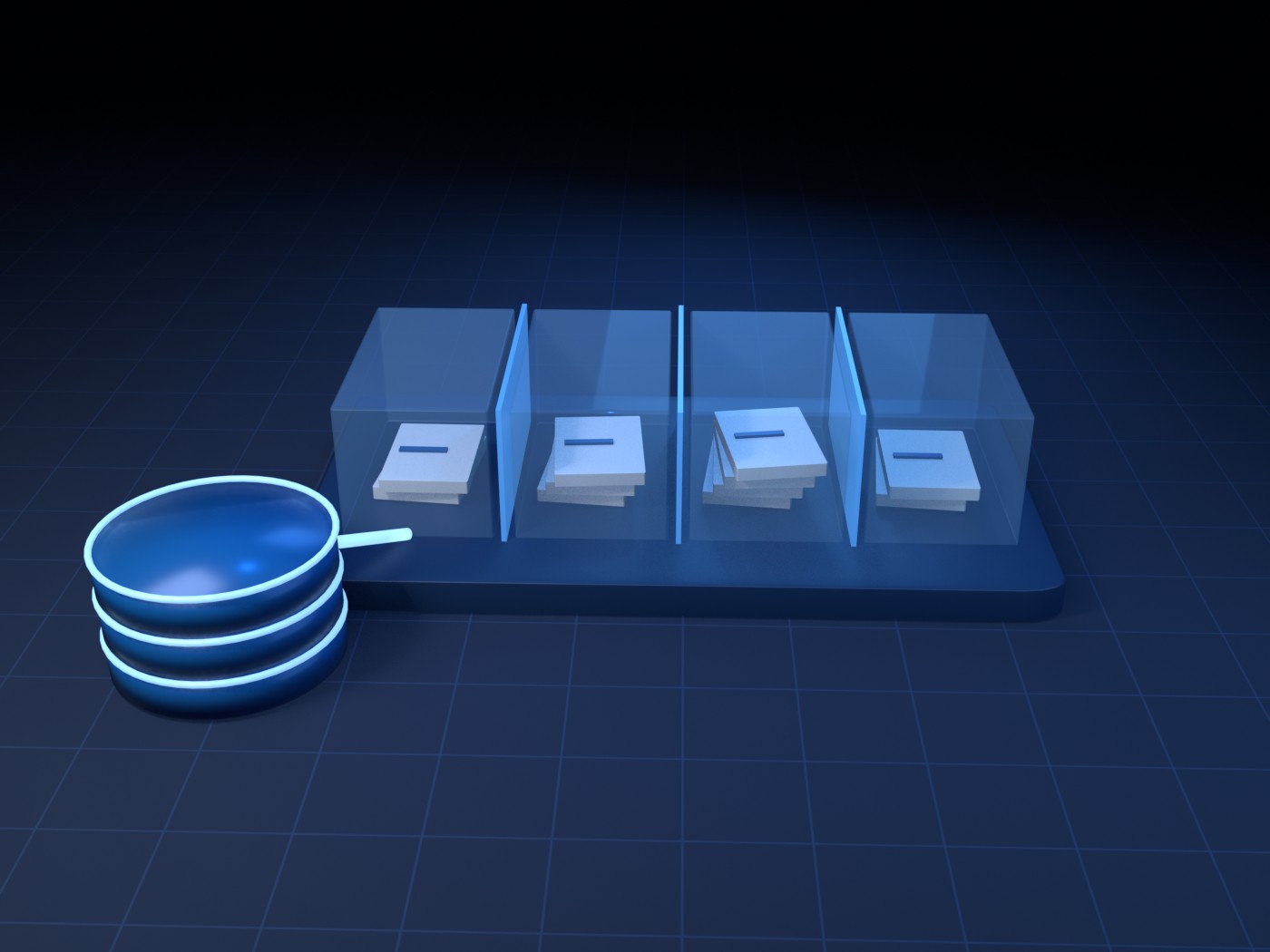
Paylalo is a family of accounting and ERP apps I built for Philippine companies. They share one Supabase (Postgres) backend, one sign-in and one company list, and each business area gets its own focused app. This article is the map: what each app is for, how documents move between them, and where to find the full walkthrough of each one.
The areas are buying, selling, making, building, collecting, paying, and the books themselves. Each company’s data stays separate in the database, through row-level security and a JWT that carries the company and branch. I wrote every walkthrough by running real transactions in a test company, ZZ-TEST UX Review Co., with screenshots of each step.
The apps
The core
- ERP Back Office is the hub at erp.paylalo.com. It holds the shared master data (suppliers, customers, agents, banks, credit terms, tax codes, units of measure), the users and roles, and the launcher that opens every other app with single sign-on.
- Accounting (General Ledger) is where documents from the other apps land and become posted debits and credits. It has the chart of accounts and journal vouchers, accounts payable vouchers, cash and check vouchers, bank reconciliation, the daily cash position, and the financial reports.
- Fixed Assets is the property, plant and equipment sub-ledger: the asset register, depreciation runs and disposals.
Buying, stocking and making
- Supply Chain runs purchase request → canvass → purchase order → receiving report, and then stock transfers, adjustments, bin cards, deliveries, pick lists and trips.
- Manufacturing (Make-to-Stock) is production for inventory. A stocking order gets approved and built through a production order, using a bill of materials costed at weighted-average cost. Materials are issued into work in process, the batch runs on the floor queue, and completion absorbs the month’s overhead into the finished-goods cost.
- Manufacturing (Make-to-Order) is production that starts from an approved sales order. It allocates the build to the customer’s line, issues materials into WIP, applies the month’s overhead, and posts completion into stock.
- Construction is project control: work breakdown, bill of quantities, schedule, progress and earned value, daily site reports and man-hours, change orders, and equipment booking.
Selling and collecting
- DMS (Distribution Management) is the front end of order-to-cash: price lists, sales orders, stock reservations, delivery receipts and trip planning.
- Cashiering is the collections desk. It handles collection receipts (on account or applied to invoices), deposit slips, post-dated cheques, the daily collection report, customer ledgers and statements of account.
- Credit & Collections (CRECO) gives the collector a worklist and aging, promises to pay, holds and disputes, demand letters and credit terms.
- Customer Portal lets customers register and submit documents themselves. The company approves them before they can sign in.
Paying out
- Cash Center covers petty cash funds and vouchers, Payment Request Forms that go to Accounting as payables, cash advances and their liquidation, and fund replenishment.
- Supplier Portal is the supplier-side twin of the Customer Portal. Once approved, a supplier can handle registration, documents, purchase orders and canvass quotes there.
Compliance
- Kumpli Compliance is the register of BIR, SEC, LGU and BFP obligations. Filing proof marks an item Compliant and moves its due date forward one cycle.
In the field and on the desktop
- Paylalo Go is the Android app for drivers (trips and proof of delivery) and gate guards (confirming a delivery receipt at the gate).
- Scan2Approve lets you approve any document in the suite from a phone by scanning the QR code printed on it.
- Evidence Uploader is a Windows desktop tool for the accounts-payable clerk. It checks supporting documents, using image forensics plus a local vision model that compares each document with the request on record, and attaches them to Cash Center Payment Request Forms.
- Playlalo App Store is the company app store at apps.paylalo.com. Staff download the Android apps there and see their version history.
How documents move between the apps
- Master data starts in the ERP Back Office. A supplier or customer created there, or registered through a portal and approved, is available to every app under the same company.
- For buying, Supply Chain raises a purchase request, canvasses suppliers, issues the purchase order and posts the receiving report. The payable goes to Accounting, where it’s vouchered and paid.
- For selling, DMS takes the sales order. If stock is short, Manufacturing (Make-to-Order) builds against that order line. Supply Chain or DMS raises the delivery and Paylalo Go carries it out. The gate scan and proof of delivery close the trip, and the sales invoice lands in Accounting as a receivable.
- For collecting, CRECO works the overdue receivables with calls, promises, holds and demand letters. Cashiering records the money when it actually comes in.
- Small and one-off payments go through Cash Center, which turns a Payment Request Form into a payable voucher in Accounting. Petty cash replenishments get paid the same way.
- Printed documents carry a Scan2Approve QR code, so an approver can sign off from a phone instead of a desk.
- Construction tracks the cost and progress of each project and books equipment from the Fixed Assets register. Fixed Assets posts depreciation to the ledger.
- Kumpli runs alongside all of this. It keeps the statutory filings that come out of the books on schedule, with proof kept for audit.
How I made the walkthroughs
For each article I logged into the live suite as an administrator of the test company ZZ-TEST UX Review Co. and opened every screen. Then I took real test documents, all prefixed ZZ-DOC, through their lifecycle as far as one admin user could: create, submit, approve, post, receive, pay. Sometimes a step needed a second approver, another app or a setting that wasn’t there. When that happened, the article says so in its “Notes from testing” section instead of skipping over it. Names of real staff are blurred in the screenshots.